- C 93.7%
- Roff 3.8%
- Makefile 2.4%
- Shell 0.1%
| Filename | Latest commit message | Latest commit date |
|---|---|---|
| dwm+hide-vacant-tags | ||
| dwm+hide-vacant-tags+bar-height | ||
| dwm+hide-vacant-tags+leftlayout | ||
| dwm-basic | ||
| README.md | ||

Welcome to my DWM Setup on FreeBSD
This is my very first DWM 6.2 newest build. Very simple and works well for my workflow.
Features
The cool feature on this DWM setup is created with solid patches. I explore some patches and I think only this 6 pathes works great on my workflow.
I use SLStatus because it works very well on my FreeBSD and easy to setup. Plase go to SLSTATUS folder on this setup.
Patches in this DWM
- Autostart // use to make autostart.sh file run after DWM first start on system
- Warp // make mouse always follows the focus screen
- Fullgaps // create gaps between opened window and can be toggled
- Systray // I use this to set tray before the SLStatus (date, uptime, volume status)
- Pertag // use this to make different tag mode for every tag. Ex: [1] set to Floating, but in [2] can set to Monocle
- Alwayscenter // make floating window always in center of the screen
Update some addition patches :
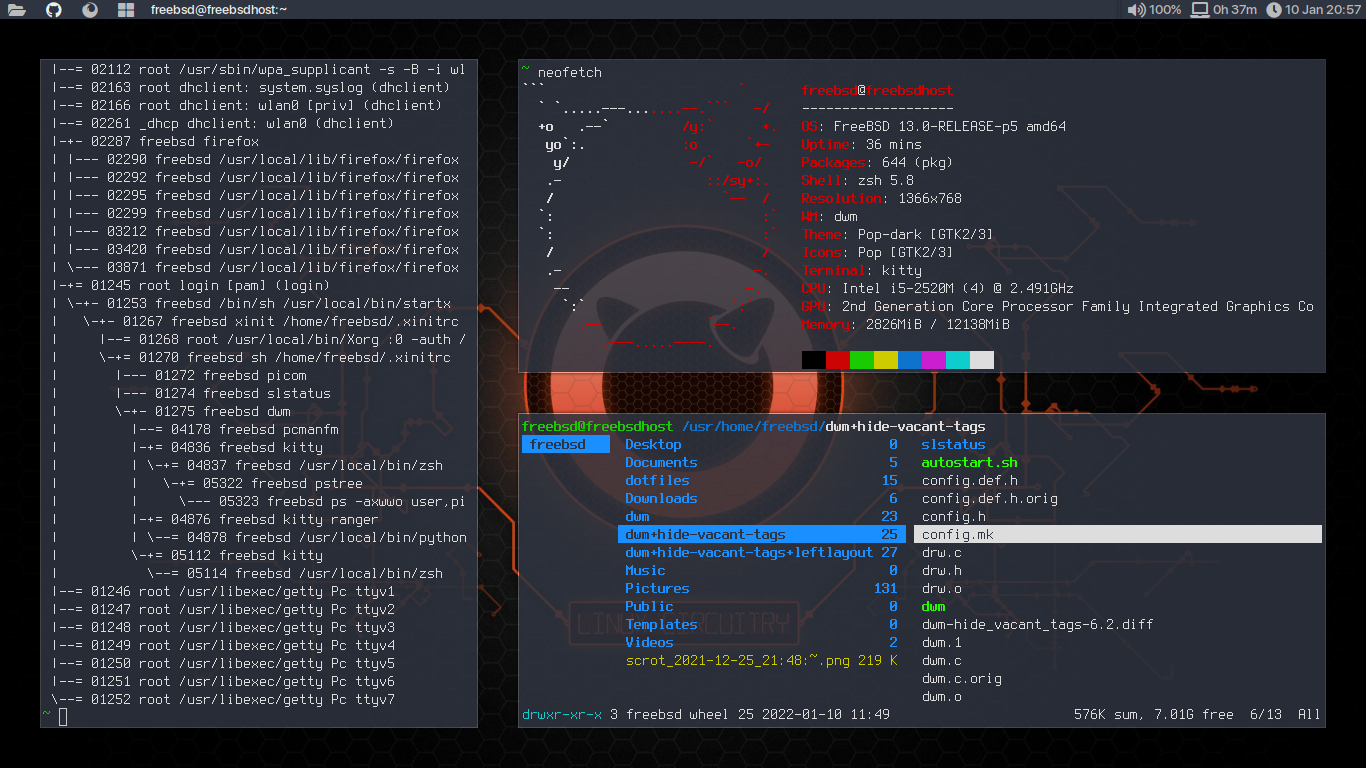
- Hide Vacant Tags // To show only active number of tags on the bar
One directory specially add :
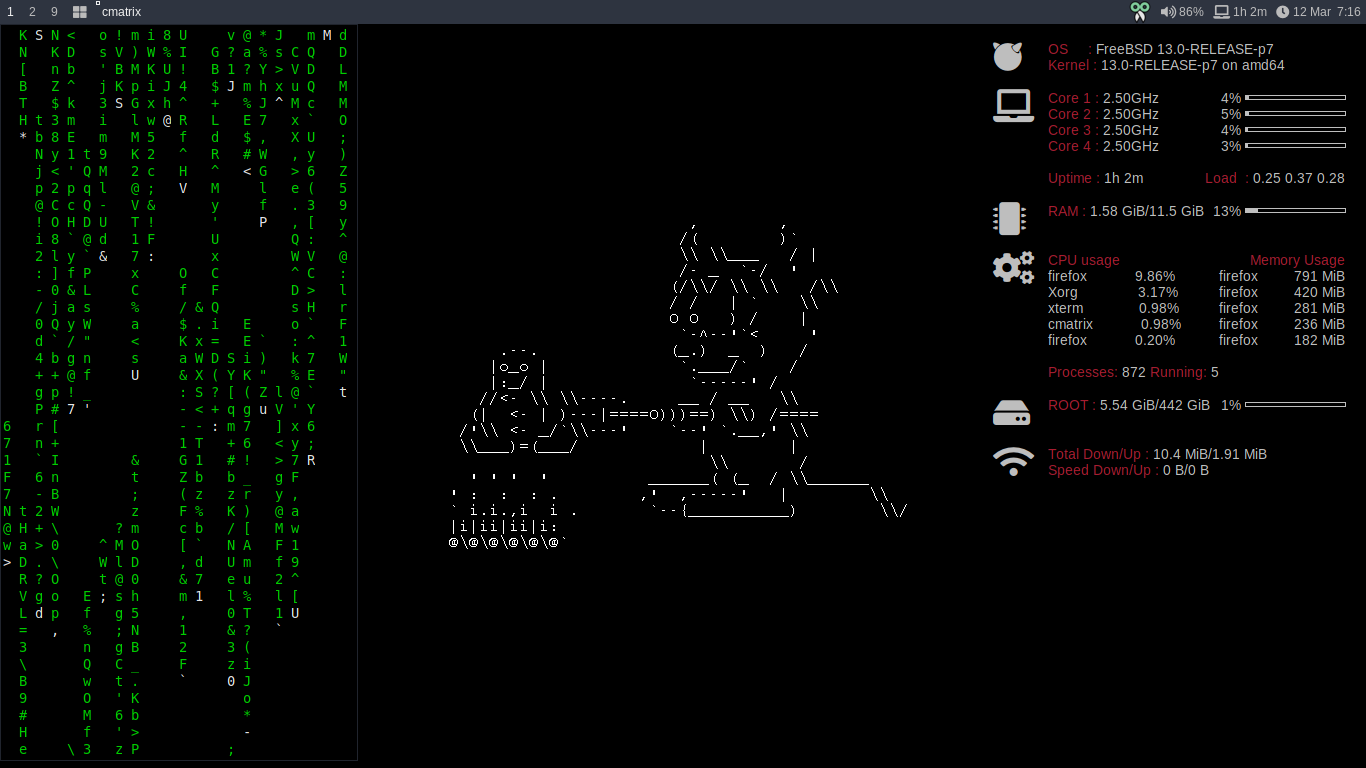
- Bar Height // To set manual height of bar
Keybinds
There is no fancy binding, I make default DWM keybind to keep DWM as it is.
Only change for mod key set to windows key.
Dependencies apps
Some apps might have to install to make config.h file works well, such as:
- pamixer
- rofi
- feh
- scrot
- copyq
- kitty
- arandr
- pcmanfm
- firefox
- picom
Fonts
I prefer using this font
- SF Pro Display Medium for system
- JetBrains Mono for terminal font
Best for FreeBSD
- Liberation Sans
How to setup this DWM build
This is important thing to do
- To make transparent effect, you can set
picom.confwhich is include in this build - Crate symbolic link of
autostart.shfile on~/.local/share/dwm/cd ~/.local/share/dwm/ln -s path/to/autostart.sh autostart.sh
Screenshot
DWM Basic

DWM + Vacant Tags
DWM + Vacant Tags + Bar Height
dwm - dynamic window manager
dwm is an extremely fast, small, and dynamic window manager for X.
Requirements
In order to build dwm you need the Xlib header files.
Installation
Edit config.mk to match your local setup (dwm is installed into the /usr/local/ namespace by default).
Afterwards enter the following command to build and install dwm (if necessary as root):
make clean install
Running dwm
Add the following line to your .xinitrc to start dwm using startx:
exec dwm
In order to connect dwm to a specific display, make sure that the DISPLAY environment variable is set correctly, e.g.:
DISPLAY=foo.bar:1 exec dwm
(This will start dwm on display :1 of the host foo.bar.)
In order to display status info in the bar, you can do something like this in your .xinitrc:
while xsetroot -name "`date` `uptime | sed 's/.*,//'`"
do
	sleep 1
done &
exec dwm
Configuration
The configuration of dwm is done by creating a custom config.h and (re)compiling the source code.